

  |
- Buy Incomedia WebSite X5 Evolution directly from the developer (with a -20% discount).
- Buy Incomedia WebSite X5 Professional directly from the developer (with a -20% discount).
Video lesson
- Row Full Height – 00:00:36.
- Other changes – 00:03:25.
Videos look better with 720 HD quality. This and other video tutorials can be found on YouTube and Vimeo.
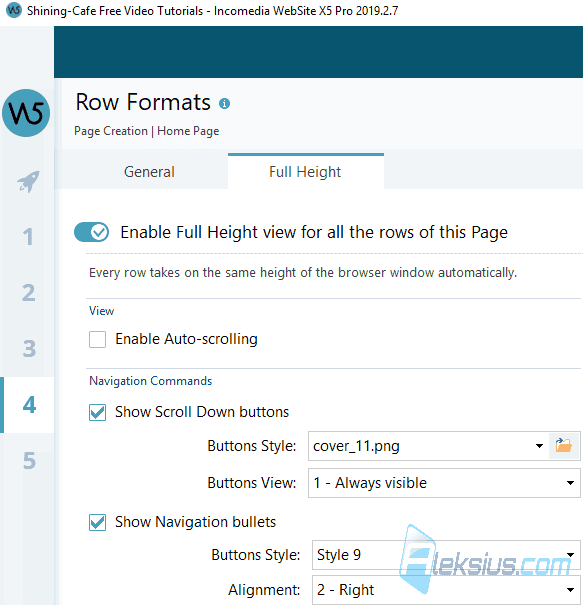
In this video tutorial, we will look at a new version of the program 2019.2. I will compare this version with the previous one - 2019.1. You can enable the automatic change of the height of the line according to the height of the browser window. You can add a scroll button or special switches.
The biggest change is row Full Height. You can enable the automatic change of the height of the line according to the height of the browser window. You can add a scroll button or special switches (picture above).
Other changes:
- Pro version now have the opportunity to send order confirmation email before or after payment is completed.
- The image library for shopping cart has been updated.
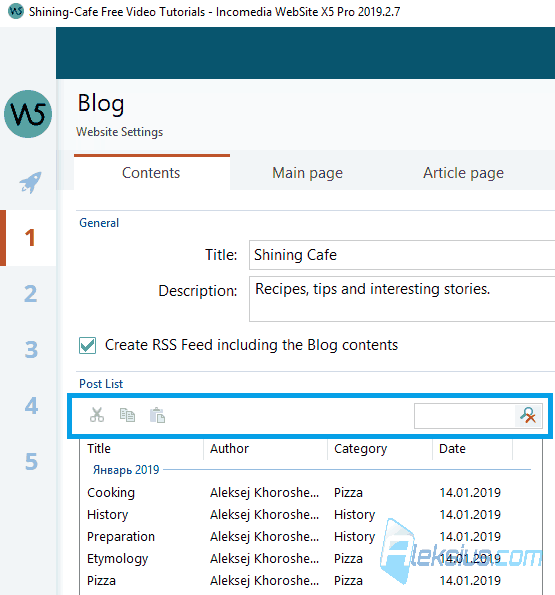
- In blog settings on the Content tab you can find control panel that allows you to copy blog entries and search for the ones you need.
- Two new types of blog blocks. Author and Image. The first one displays the list of authors articles, and the second allows you to specify an image with an action by pressing it.
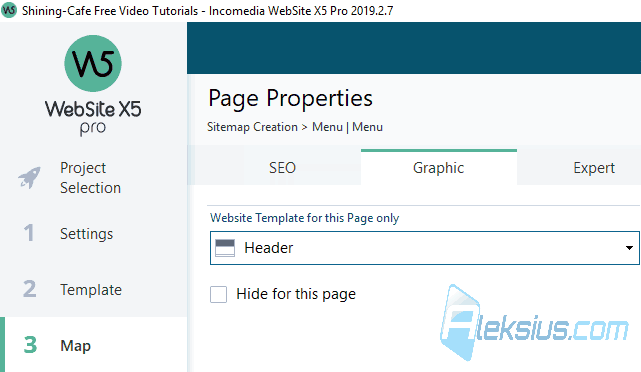
- In the properties of each page on the Graphics tab, you can now hide the header and/or footer of the template.
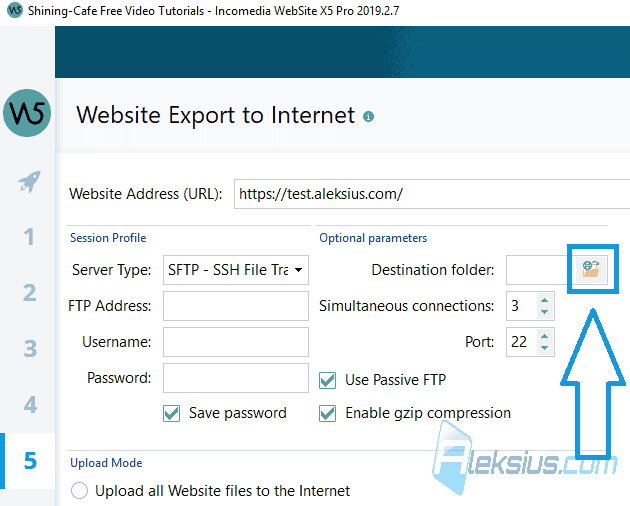
- The site URL option was moved to the fifth step.
- Now when connecting to the server, the version of PHP is checked.
- The process of exporting a site to hosting was slightly simplified.
- The developers have removed the file management phase and moved it here (picture below).
In video tutorial you see WebSite X5 2019.2.7 Pro (64 bit).
Links from the lesson
In the pictures below you can see examples from video.
There were also other smaller updates. But basically - that's it.
In the following video lessons, we will look at other useful objects that will help you during site creation.
If you have any questions, you can ask them in the comments. I will try to answer as quickly as possible.
| Article author – Aleksej Khoroshevskij |
|---|
 Ph.D., lecturer at Kharkiv National University of Radio Electronics, web developer, and SEO specialist with over 15 years of experience. Expert in website creation using Joomla and WebSite X5. Author of scientific publications, video courses, and educational content on web development and SEO. Runs a blog and a YouTube channel, sharing knowledge and practical experience. Provides services in website development, customization, maintenance, and promotion. Learn more about the author… Publications and work: |
| Similar articles |
|---|
 |
Useful links:
- Buy Incomedia WebSite X5 Evolution directly from the developer (with a -20% discount).
- Buy Incomedia WebSite X5 Professional directly from the developer (with a -20% discount).
