

  |
- Buy Incomedia WebSite X5 Evolution directly from the developer (with a -20% discount).
- Buy Incomedia WebSite X5 Professional directly from the developer (with a -20% discount).
In this video tutorial, we will look at a new version of the program – 2020.1. I will compare this version with the previous one – 2019.3.
Video lesson
- Product search/product filter – 00:00:32.
- Online store updates – 00:04:07.
- Password reset – 00:06:26.
- Other changes – 00:07:00.
Videos look better with 720 HD quality. This and other video tutorials can be found on YouTube and Vimeo.
Links from the lesson
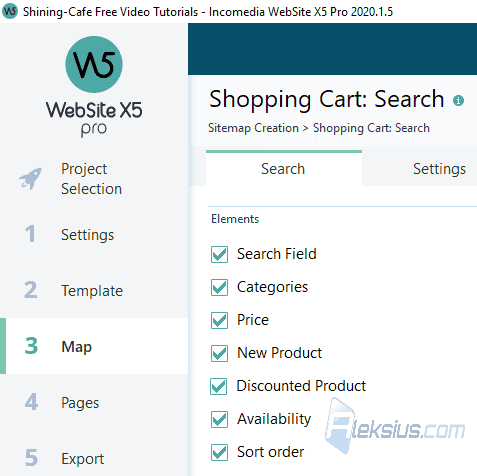
Product search/product filter. Now you can create a product search page. On it you can search, filter and sort products.
The following options are available for filtering:
- Category.
- Price.
- Discounted products only.
- Available products only.
- New products only.
The following options are available for sorting:
- Relevance.
- Lowest price.
- Highest price.
You can disable various search/filter options.
The new version of the program adds the ability to filter products by characteristics.
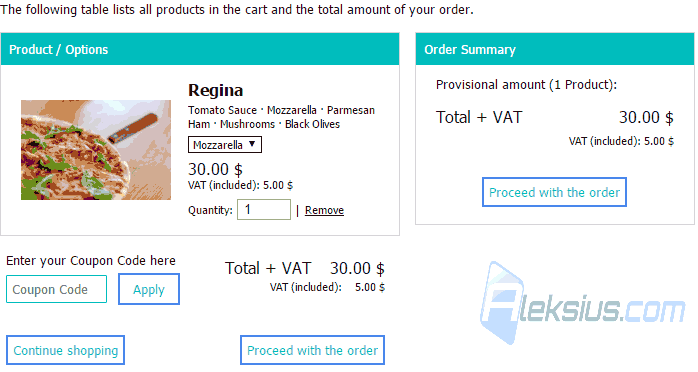
Check-out process updates. Changed the steps and design of check-out process.
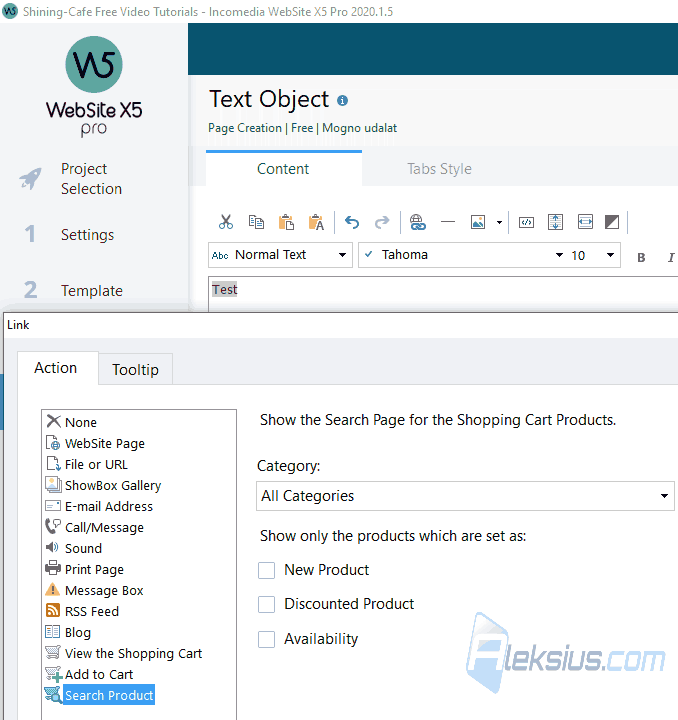
Product search shortcut. Added a new type of link (action), which allows you to create a link to a page with already filtered products. You can set filtering rules in the link settings.
Password reset. Now registered users will be able to recover the password themselves.
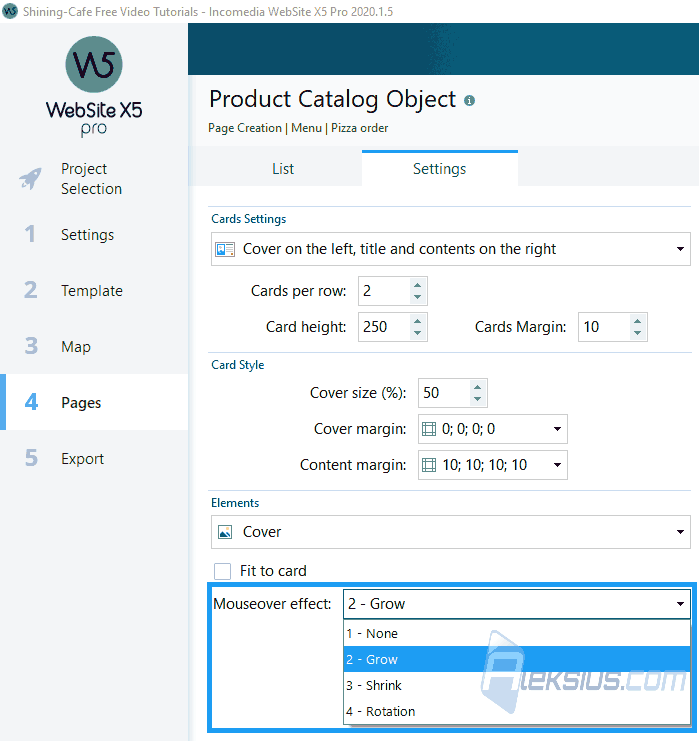
Product images animation. Now you can add hover animations for product images.
Other changes:
- Some settings of the shopping cart and blog were transferred to the settings of special pages in the third step.
- Ten new templates have been added.
- Increased the number of lines that can be created on the page. Now it's ninety-six.
- The minimum version of the PHP on the hosting is now 7.1.
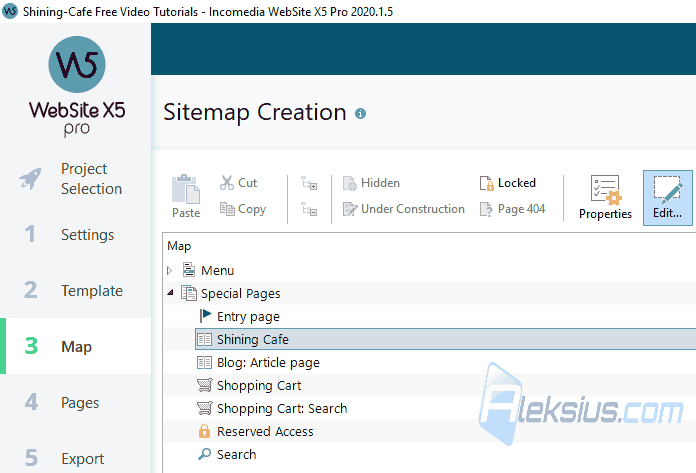
In video tutorial you see WebSite X5 2020.1.5 Pro (64 bit).
In the following video lessons, we will look at other useful objects that will help you during site creation.
If you have any questions, you can ask them in the comments. I will try to answer as quickly as possible.
| Article author – Aleksej Khoroshevskij |
|---|
 Ph.D., lecturer at Kharkiv National University of Radio Electronics, web developer, and SEO specialist with over 15 years of experience. Expert in website creation using Joomla and WebSite X5. Author of scientific publications, video courses, and educational content on web development and SEO. Runs a blog and a YouTube channel, sharing knowledge and practical experience. Provides services in website development, customization, maintenance, and promotion. Learn more about the author… Publications and work: |
| Similar articles |
|---|
 |
Useful links:
- Buy Incomedia WebSite X5 Evolution directly from the developer (with a -20% discount).
- Buy Incomedia WebSite X5 Professional directly from the developer (with a -20% discount).
