

- Type – free image editing software.
This video tutorial demonstrates how to perform common image editing tasks, including cropping, changing resolution, optimizing (reducing file size), and converting from one format to another. All actions are shown using free software that can be installed on GNU/Linux, macOS, and Windows, as well as used directly in a browser without installation.
Video tutorial
- Where to find free images – 00:01:37.
- Determining image size on a website (Google Chrome) – 00:03:1
- Determining image size on a website (Safari) – 00:04:2
- Image editing in Photopea.com – 00:05:16.
- Image editing in GIMP – 00:08:43.
Better watch video with «1080p HD» quality. This and other video reviews and tutorials can be found on my YouTube channel.
Links from the video:
- «How to clear browser cache and other FAQ (part 1)».
- «How to screen record on Windows, Androide other FAQ (part 2)».
- Free images.
- Photopea.com.
- Download GIMP.
Video tutorial recording date – June 28, 2025. Software from video tutorial: GIMP 3.0.4 (on Windows 11 Pro 24H2 26100.4484 (Windows Feature Experience Pack 1000.26100.128.0)), Google Chrome 138.0.7204.50 (Official Build) (64-bit), and Safari 17.4 (19618.1.15.11.12) on macOS Sonoma 14.4.
This and the previous videos (part 1 and part 2) are primarily intended for my clients, for whom I develop websites. The purpose of this tutorial is not to teach full-fledged work in graphic editors, but to demonstrate how to perform image-related actions that are most commonly needed when adding content to a website. Based on my experience, these are the tasks my clients most frequently encounter when they want to update or replace images on their websites themselves.
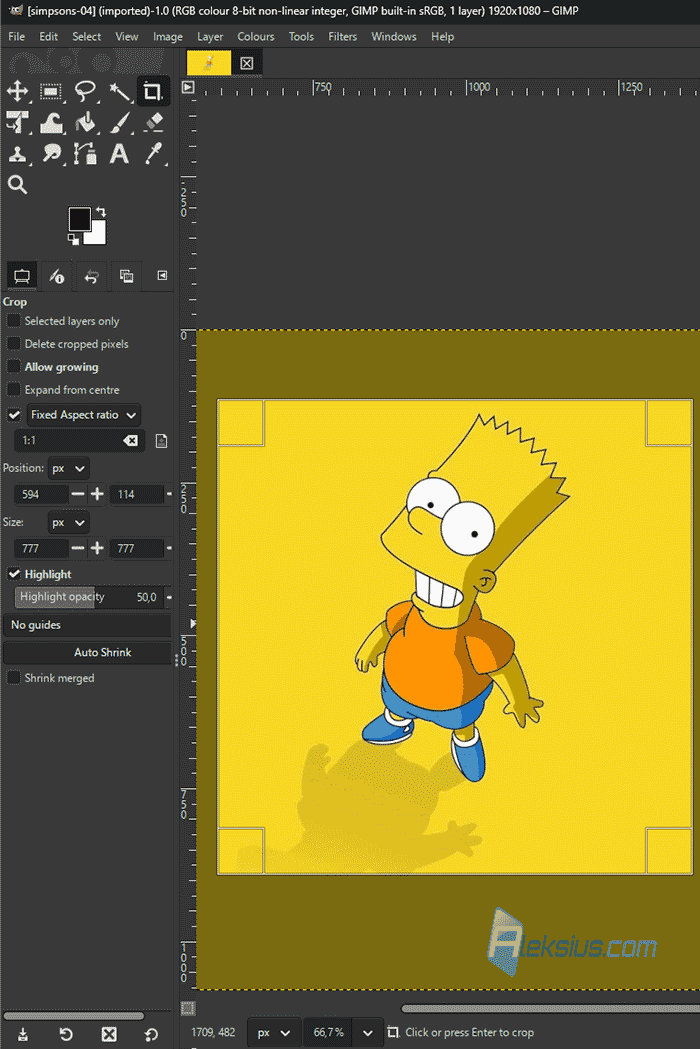
I hope this video will be useful not only for my clients but also for other visitors of the blog. If you have any questions, feel free to ask them in the comments.
| Article author – Aleksej Khoroshevskij |
|---|
 Ph.D., lecturer at Kharkiv National University of Radio Electronics, web developer, and SEO specialist with over 15 years of experience. Expert in website creation using Joomla and WebSite X5. Author of scientific publications, video courses, and educational content on web development and SEO. Runs a blog and a YouTube channel, sharing knowledge and practical experience. Provides services in website development, customization, maintenance, and promotion. Learn more about the author… Publications and work: |
| Similar articles |
|---|
